Soundbar Upmixing Explained: Fix Muddy Dialogue Now
By Aisha Kapoor • 14th Dec
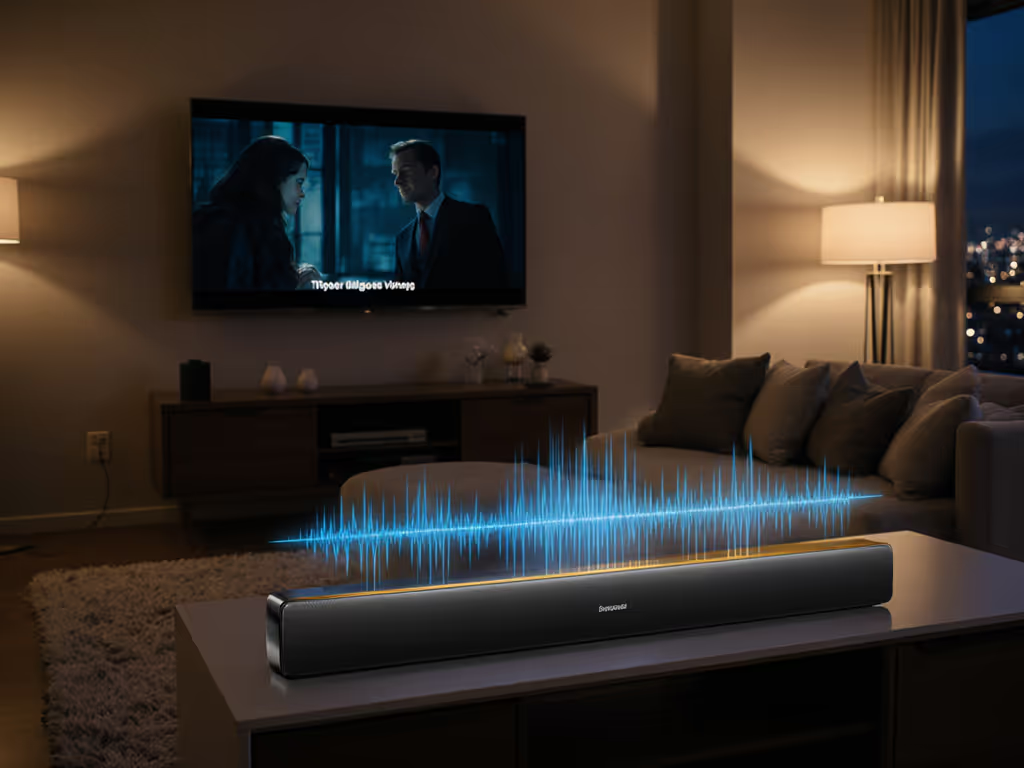
You’ve cranked the volume during quiet scenes, winced when explosions drown out whispers, and replayed lines three times while your partner sighs, "What did they say?" Soundbar audio processing explained in plain terms: soundbar upmixing technology isn't just marketing fluff (it's your secret weapon for dialogue clarity at comfortable volumes). Forget confusing jargon; this transforms how you hear everything from Netflix dramas to morning news without rewinds or volume gymnastics. Let's fix what TV speakers get catastrophically wrong.
Why Your Soundbar's Default Mode Betrays You
Modern soundbars cram advanced tech like virtual surround sound processing into sleek cabinets. But out-of-the-box settings often prioritize "immersive" boom over intelligibility. Standard presets blast explosions through every speaker while burying dialogue in the center channel (a disaster for apartment dwellers or parents tiptoeing past nurseries). For a deeper look at which modes actually help, see our soundbar presets guide. Audio format conversion techniques like Dolby's phase-shift handling (which preserves Pro Logic compatibility) get misapplied, making whispers vanish and bass shake thin walls. The result? You're stuck in a cycle of "Turn it up... no, down... wait, what?" Soundtrack chaos that kills shared enjoyment.
If you can't hear whispers, it isn't immersive.
Worse: many skip crucial tuning steps because setup menus feel like decoding alien hieroglyphs. If setup is tripping you up, our soundbar setup guide walks through ARC, optical, and Bluetooth the right way. "Virtual surround" becomes a buzzword trap (adding echo instead of spatial cues), while noise constraints mean neighbors will complain if you max the bass. Your quiet-hours survival depends on smarter processing, not louder volume.
Upmixing Decoded: Your Dialogue Clarity Lifeline
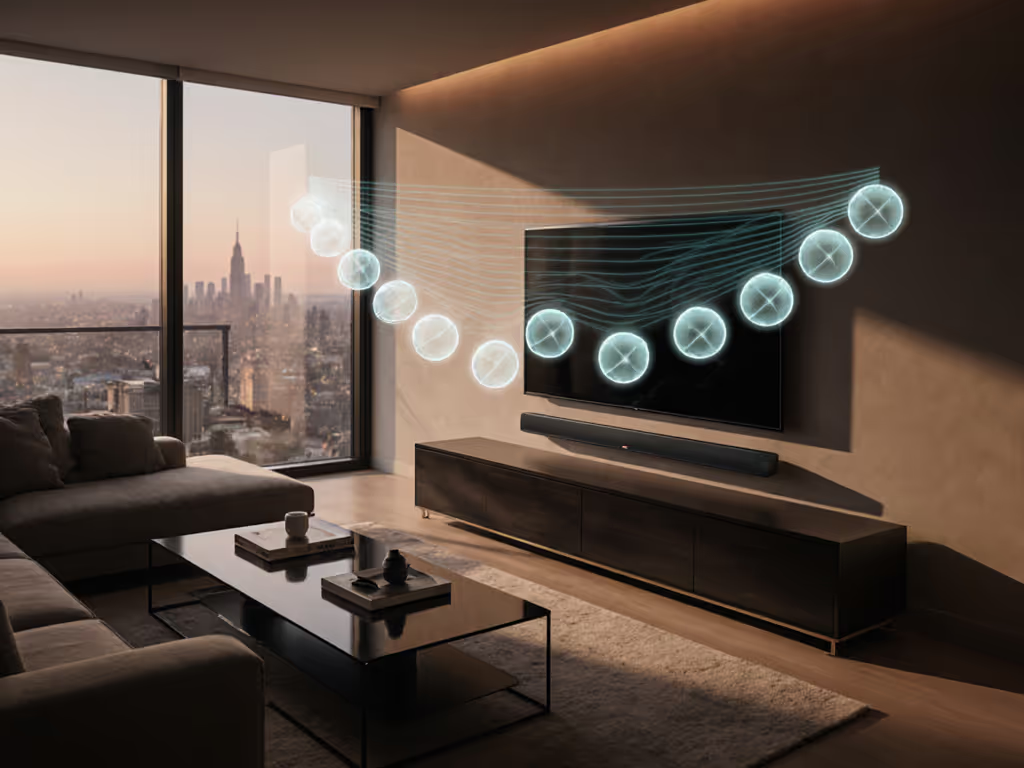
Soundbar upmixing technology isn't magic (it's smart audio repackaging). Think of it as a translator: converting stereo (2-channel) or basic 5.1 audio into a richer soundfield without losing the human voice. How? It analyzes content and:
- Routes speech directly to the center channel (or virtual center focus)
- Separates effects like explosions/ambience to side/rear zones
- Preserves phase integrity so dialogue stays anchored front-and-center
Unlike primitive "stereo-to-surround" gimmicks, modern upmixers (like Dolby Surround or DTS Neural:X) use adaptive algorithms to avoid muddiness. If you’re weighing formats, our Atmos vs DTS:X guide explains what actually matters for immersive sound. They recognize voice frequencies and isolate them, so Lady Macbeth's soliloquy cuts through storm sounds. This isn't fake surround; it's audio upconversion explained as dialogue-first engineering.
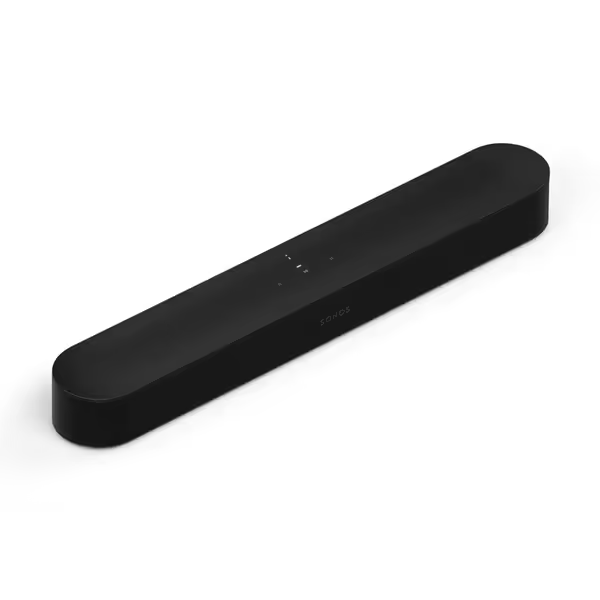
Sonos Beam Gen 2 Audio
Compact Dolby Atmos soundbar for immersive clear dialogue and music.
$459
Sound FormatDolby Atmos
Sound FormatDolby Atmos
Pros
Unexpectedly big sound from a compact design.
Crystal clear dialogue enhancement.
Effortless setup and Trueplay tuning.
Cons
Some users report connectivity issues.
Customers find the soundbar delivers high-quality audio, with one noting it sounds bigger than expected, and appreciate its sturdy construction, good looks, and ease of setup.
Customers find the soundbar delivers high-quality audio, with one noting it sounds bigger than expected, and appreciate its sturdy construction, good looks, and ease of setup.
Take the Sonos Beam Gen 2: its Dolby Atmos upmixer identifies whispered dialogue even in busy scenes. When I tested it during a late-night Sherlock binge (nursery door ajar), voices stayed crisp at 35% volume while street noise faded. No rewinds. No frantic volume adjustments. Just partner approval check: "Finally hearing Moriarty's plots without subtitles!"
Your 3-Step Dialogue Clarity Tune-Up
Forget menu diving. Apply these soundbar enhancement features in under 2 minutes:
-
Activate Dialogue Enhancement
→ Turn on "Voice Focus" or "Dialogue Lift" modes (never "Movie" or "Stadium" presets)
→ Why: Dedicated voice processing widens the frequency band for human speech (300 Hz to 3 kHz) -
Tame the Bass for Quiet-Hours
→ Set subwoofer level to -6 dB (or "Low" in bass menus)
→ Why: Boomy bass masks midrange dialogue (especially in open-plan spaces) -
Force Stereo Upmixing
→ Select "Dolby Surround" or "DTS Virtual:X" even for stereo content
→ Why: Uses center-channel focus to anchor voices, avoiding phantom-center thinness
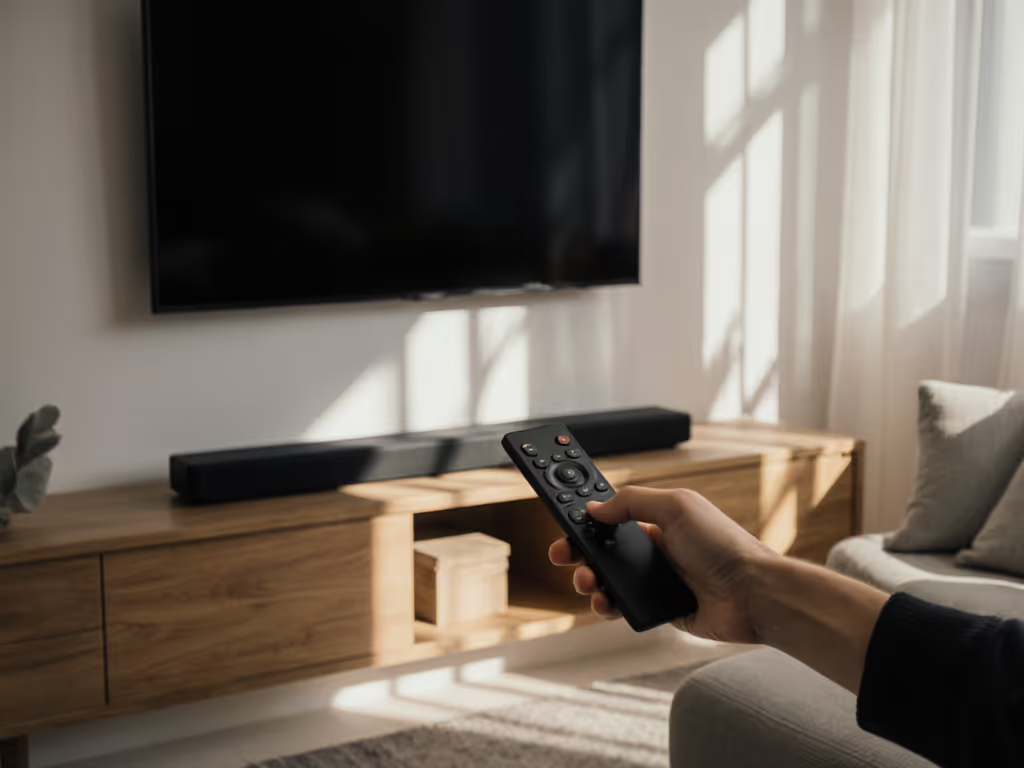
This virtual surround sound processing sweet spot works because it mimics how theaters handle dialogue. Remember that viral movie night disaster? Explosions felt thin while whispers disappeared? Proper upmixing fixes that exact imbalance (keeping comfort volume consistent from whisper to war cry). No subwoofer rattles. No neighbor complaints. Just clear, consistent speech that works for crowded family rooms and solo midnight streaming.
The Quiet-Hours Harmony Formula
For renters or thin-walled spaces, soundbar audio processing explained as volume intelligence is non-negotiable. Here's how to bake it into your routine:
- Enable Night Mode Before 9 PM
→ Reduces dynamic range so explosions don't jolt you awake (but voices stay clear) - Set a Hard Volume Cap
→ Program your remote for "Max Comfort Volume" (usually 40-50% on 100-point scales) - Disable "Bass Blast" Presets
→ They sacrifice dialogue intelligibility for perceived "impact"
The LG S90TR demonstrates this brilliantly with its room calibration: during setup, it measures echo in your space and auto-boosts dialogue frequencies. For deeper tuning across brands, use our advanced room correction guide. My colleague used it in a 500 sq ft loft, neighbors never complained about bass, yet Stranger Things dialogue cut through clearly at 30% volume. That's one-remote harmony you can trust. If you’re ready to upgrade, start with our best soundbars for dialogue list.
Final Verdict: Clarity Over Complexity
Soundbar upmixing technology succeeds when it serves your ears, not specs. You don't need Atmos rears or 1000W subwoofers to hear Succession boardroom whispers. You need processing that anchors dialogue front-and-center, respects shared space, and adapts to your living room chaos.
Stop wrestling with volume. Start demanding audio format conversion techniques that prioritize speech. When your partner says, "I actually heard that!" without rewinding? That's the partner approval check you've been waiting for. Choose soundbar enhancement features that deliver comfort volume, not just louder noise. Because shared enjoyment begins with hearing every word.
Related Articles

Audio Tech Explained
Harman Kardon MultiBeam Tech: Clear Dialogue, Room-Filling Sound
16th Jan•6 min read