Comparisons & Face-Offs
Accent Clarity Soundbar Comparison for Multilingual Dialogue
2nd Jun•13 min read
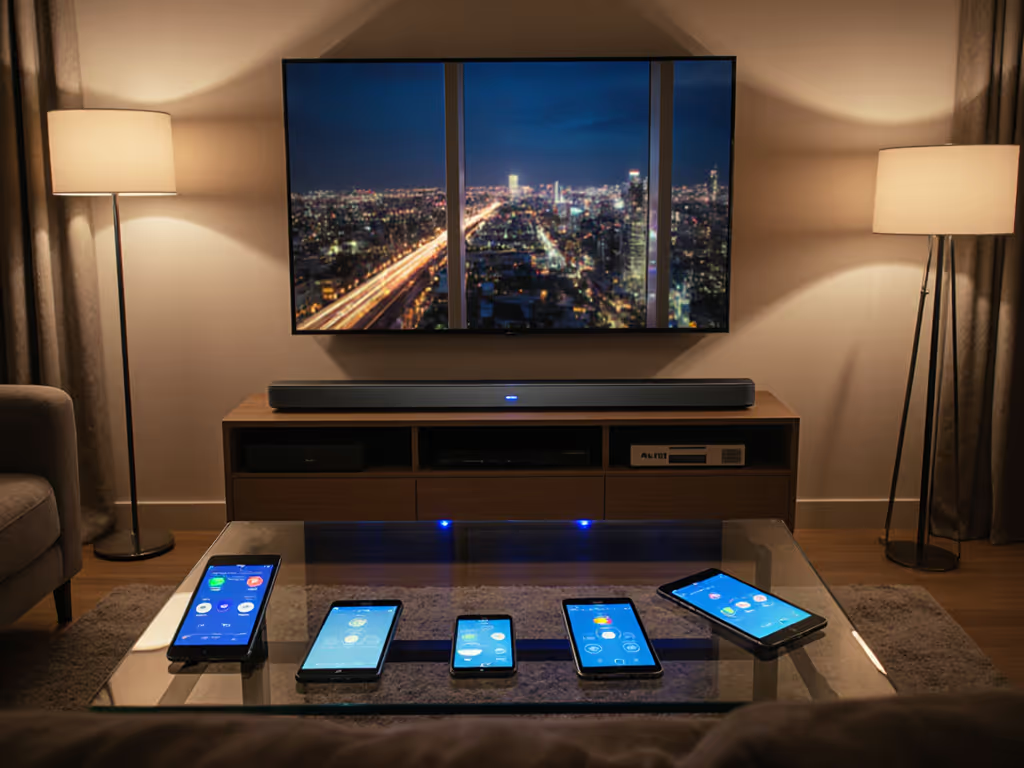
When building a projector-plus-soundbar setup, the soundbar companion app experience often determines whether your system fades into the background or becomes another daily frustration. Forget codec wars or channel counts. Your soundbar mobile app comparison should focus on how reliably it handles the signal path, manages ARC hygiene, and integrates with your existing ecosystem. I've seen too many promising setups fail because users overlooked how their soundbar's app would interact with their specific living room constraints.
Route first, then features; reliability makes rooms feel cinematic.
Most users assume soundbar apps merely replace remotes, but their real value lies in managing the handshake stability between your projector, media sources, and soundbar. A quality app gives you visibility into EDID negotiations (the digital handshake that determines whether your Dolby Atmos content plays correctly). When I solved that ceiling-mounted projector ARC handshake issue mentioned in my bio, the app was critical for diagnosing the sink/source mismatch before adding the eARC extractor.
Look for apps that show:
Without these diagnostics, you're flying blind when troubleshooting lip-sync issues or format compatibility (especially with projector setups where ARC paths often behave differently than flat-panel TV installations). For projector-based rooms, this app-level visibility pairs well with our projector soundbar setup guide covering placement, sync, and integration tips.
App-based room calibration can't compensate for fundamentally poor speaker placement, but it can optimize what's possible within your space constraints. Brands approach this differently:
For renters or those in challenging acoustic spaces (like open floor plans), look for systems that allow manual fine-tuning after automatic calibration. To compare how leading systems handle built-in calibration, see SpaceFit Sound+ vs Trueplay for real-room results. The apps that let you tweak individual channel levels or frequency bands give you the cable discipline needed to adapt to your specific environment, not a generic living room.
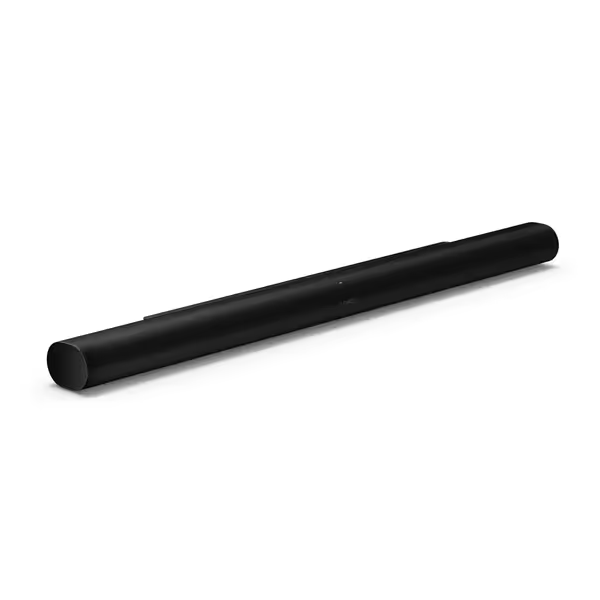
Soundbar ecosystem integration determines whether your system expands gracefully or becomes a management nightmare. Consider these factors:
In projector setups specifically, I prioritize apps that don't assume you're using a smart TV. When your media sources live in a cabinet across the room, you need an app that controls the soundbar independently from your projector's limited OSD.
Most users never touch advanced settings, but when you need them, a well-designed soundbar customization interface saves hours of frustration. If you rely on content-specific modes, our soundbar presets guide explains which implementations actually improve movies, sports, and music. Critical features include:
I've mapped too many signal paths where the default settings created ARC handshake instability. The ability to lock HDMI audio formats or disable problematic features through the app prevents weekly reconfiguration sessions.
Voice control app features rarely replace physical remotes for precise control, but they excel at:
Where they often fail: handling complex multi-device setups. Voice assistants struggle with projector-specific terminology like "turn on eARC extractor" or "switch to HDMI 2." Instead of relying solely on voice, look for apps that provide voice control supplementing traditional interfaces, not replacing them.
When your app disconnects, follow this diagnostic sequence before reinstalling:
Remember: network stability directly impacts your signal path stability. If your app keeps dropping connection, your AirPlay streams might buffer or lose sync during crucial scenes. Persistent handshake problems with Apple TV, Fire TV, or Roku? Use our HDMI-CEC compatibility checklist to stabilize passthrough and device control.
After managing dozens of projector installations, I've found these patterns:
The secret isn't raw features but consistent handshake stability. One client's "perfect" $1,000 soundbar with a feature-rich app constantly dropped Atmos signals because it couldn't maintain stable EDID communication with their projector. We swapped to a simpler system with better ARC hygiene, and their weekend matinees finally ran without crossed fingers.
Don't let flashy app screenshots dictate your purchase. First, map the signal path from your projector to media sources to soundbar, noting every potential handshake point. Then evaluate how each app's features support your specific chain rather than generic setups.
When compatibility and cable discipline shape your decision (not just the app's icon in the store), you'll build a system that works reliably day after day. The cinema feeling comes not from the most features, but from the fewest points of failure.
Ready to test your understanding? Check the manufacturer's app documentation for terms like "EDID management," "HDMI handshake timeout," and "ARC fallback behavior" before purchasing. These often-overlooked details determine whether your soundbar will integrate smoothly or become another source of frustration.